The End of Passive Viewing: YouTube’s AI Architecture Comes to the Living Room
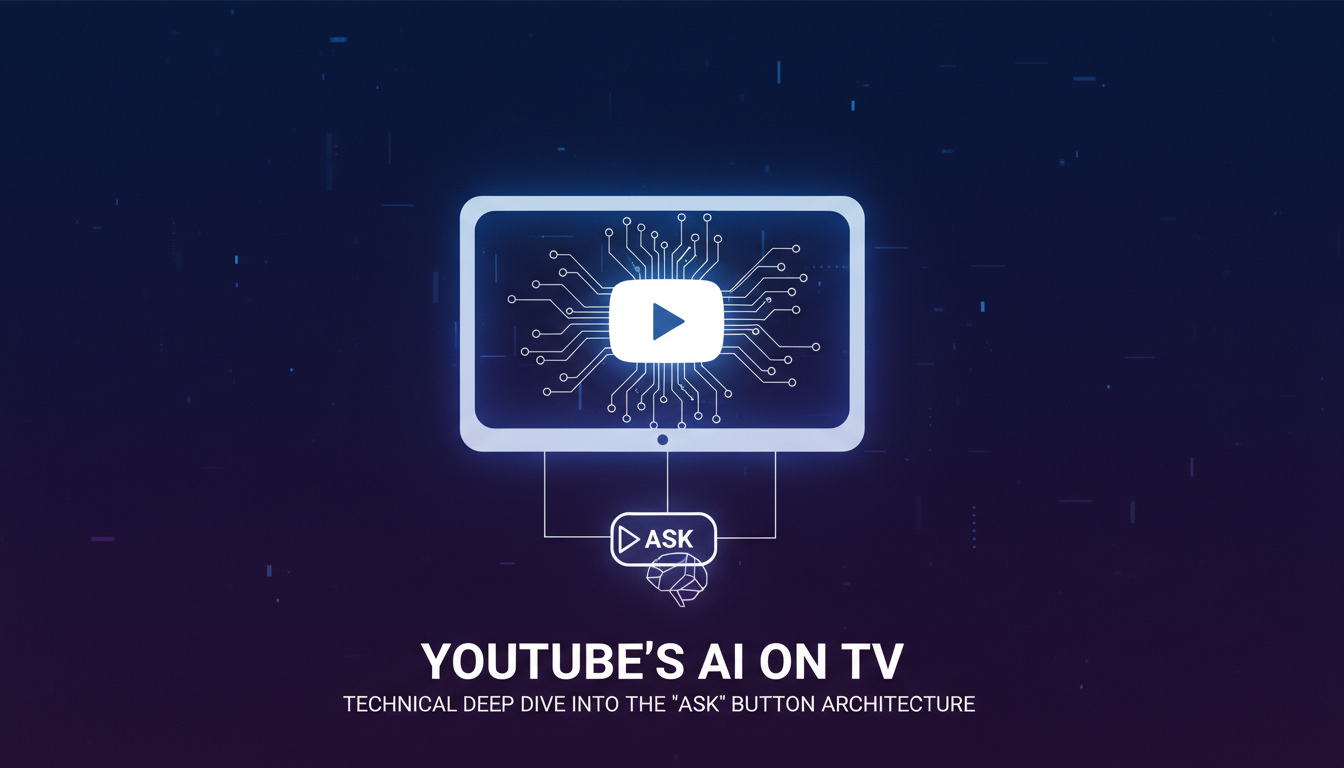
The living room television has historically been a “lean-back” device—a passive window for consumption. YouTube’s latest engineering experiment aims to fundamentally invert this paradigm. By integrating its conversational AI tool directly into the smart TV interface, YouTube is deploying a sophisticated Multimodal Retrieval-Augmented Generation (RAG) system that allows users to query video content in real-time.
This is not merely a voice assistant overlay; it is a deployment of Google’s Gemini foundation models, likely leveraging the Gemini 1.5 architecture, known for its massive context window capable of ingesting entire video timelines as a single token sequence. For developers and technical strategists, this move signals the transition of the TV from a display peripheral to an edge interface for high-compute AI agents.
Deconstructing the “Ask” Feature: A Functional Analysis
The feature manifests as an “Ask” button on the playback interface of smart TVs, gaming consoles, and streaming devices (such as Chromecast and Apple TV). Unlike traditional search, which indexes metadata (titles, tags), this tool indexes the content itself—visual frames, audio tracks, and transcripts.
When activated via a remote’s microphone or on-screen prompts, the system performs the following actions:
- Content Summarization: Generates concise breakdowns of long-form content (e.g., breaking down a 2-hour podcast into thematic chapters).
- Specific Information Retrieval: Answers high-granularity queries, such as “What are the Geekbench scores mentioned in this review?” or “List the ingredients used in this cooking segment.”
- Contextual Recommendations: Suggests related content based on the semantic meaning of the current segment, rather than just collaborative filtering tags.
The User Interface Latency Challenge
One of the critical engineering hurdles for TV apps is latency. Smart TV processors are notoriously underpowered compared to smartphones. Google’s implementation likely offloads the heavy inference to the cloud, utilizing a lightweight client-side trigger that captures the voice query and timestamp, sends it to the inference cluster, and streams the text response back as an overlay. This Cloud-Edge split ensures that the video playback engine (the highest priority process) is not throttled by the AI reasoning layer.
Technical Deep Dive: The Multimodal RAG Architecture
The “magic” behind this feature is best understood through the lens of Multimodal RAG (Retrieval-Augmented Generation). In standard text-based RAG, an LLM retrieves relevant text chunks to answer a query. In YouTube’s implementation, the “chunks” are multimodal data points spanning time.
1. Long-Context Ingestion (The Gemini Advantage)
Google’s Gemini 1.5 Pro and Flash models introduced a breakthrough 1-million-token context window. This architecture allows the model to process up to 1 hour of high-definition video (or 11 hours of audio) in a single pass. Gemini 3 Deep Think Architecture Benchmarks Engineering Guide discusses how these long-context capabilities are evolving, but the core mechanism here involves tokenizing video frames at a rate (e.g., 1 frame per second) and treating them as sequential inputs alongside the audio transcript.
2. Vectorization of Video Segments
To make the video “searchable,” the backend likely follows this pipeline:
- Frame Sampling: Key frames are extracted and passed through a vision encoder (like a ViT – Vision Transformer) to create vector embeddings representing the visual content (e.g., “person holding a red iPhone”).
- Audio Alignment: The ASR (Automatic Speech Recognition) transcript is time-aligned with these frames.
- Semantic Indexing: When a user asks, “Where did he mention the battery life?”, the system converts the query into a vector and performs a Cosine Similarity Search against the video’s vector index to find the exact timestamp.
3. The Reasoning Layer
Once the relevant segments are identified, the LLM generates a natural language response. Crucially, because Gemini is natively multimodal, it can reason across modalities. It can “see” that a graph on the screen shows a downward trend while the audio speaker discusses “efficiency losses,” synthesizing both data points into a single coherent answer.
Strategic Implications for the Living Room OS
This experiment is a strategic maneuver in the war for the “Living Room OS.” Competitors like Amazon (Fire TV) and Roku are also integrating AI, but their approaches have largely been limited to voice command overlays (e.g., “Find action movies”). YouTube’s approach moves up the stack into Content-Level Intelligence.
By controlling the semantic understanding of the video, Google reduces the friction of information retrieval. Viewers no longer need to pull out a phone to Google a fact mentioned in a documentary; the TV becomes the browser. This increases Session Duration and Retention, the two north-star metrics for streaming platforms.
Furthermore, this aligns with the broader industry trend of “Agentic AI,” where systems don’t just answer questions but perform tasks. For insights on how agentic architectures are evolving, refer to our analysis on Architecting Personal Intelligence Deep Dive Into Gemini S 2026 Agentic Stack.
Troubleshooting: Why You Might Not See the Feature Yet
As with many of Google’s high-compute features, the rollout is staged. Here is the current availability status and troubleshooting protocol:
- Premium Labs Requirement: The feature is currently part of the YouTube Premium Labs program. You must be a Premium subscriber to opt-in.
- Account Restrictions: The feature is restricted to users over 18 years old and is currently available in limited regions (US, parts of LATAM/APAC) supporting English, Hindi, Spanish, Portuguese, and Korean.
- Device Compatibility: While “Smart TVs” are broadly cited, the feature requires updated YouTube app versions (v4.x+) often found on Android TV, Google TV, and high-end Tizen/WebOS models.
- Video Eligibility: Not all videos support the “Ask” button. It is primarily enabled on videos with high-quality captions and distinct audio/visual structures (e.g., tech reviews, educational content, news).
Frequently Asked Questions
Does the AI “watch” the video in real-time?
No. The video is pre-processed or processed on-demand using Google’s cloud infrastructure. The model accesses the pre-indexed vectors of the video’s frames and transcripts to answer your query instantly.
Can I use this feature on Apple TV?
Yes, provided you are a Premium subscriber and the YouTube app is updated. However, voice input integration may vary depending on how the Siri Remote passes audio data to the YouTube app. See our coverage on Finally Here Native Youtube App Launches On Apple Vision Pro 2026 for more on Apple ecosystem integrations.
Is this different from the “Ask” feature on mobile?
Functionally, it is identical. However, the User Experience (UX) is adapted for the “10-foot experience,” utilizing larger fonts, simplified prompts, and remote-control navigation instead of touch.
Does it work on live streams?
Currently, the feature is optimized for VOD (Video on Demand). Live stream analysis requires real-time ingestion pipelines that are significantly more compute-intensive and are likely further down the roadmap.