Raspberry Pi’s new AI HAT adds 8GB of RAM for local LLMs: The Definitive Guide to Edge Intelligence
The landscape of edge computing has shifted dramatically with the introduction of specialized hardware designed to bring generative artificial intelligence out of the data center and onto the desk. The latest breakthrough in this domain is the synergy between the Raspberry Pi 5 and its dedicated neural processing hardware. Specifically, the configuration where Raspberry Pi’s new AI HAT adds 8GB of RAM for local LLMs represents a monumental leap in accessible, private, and low-latency AI processing. This article serves as a comprehensive technical pillar for developers, engineers, and hobbyists aiming to deploy Large Language Models (LLMs) locally.
By integrating the Hailo-8L accelerator via the M.2 HAT+ standard, and leveraging the massive 8GB unified memory architecture of the top-tier Raspberry Pi 5, we are witnessing the democratization of frontier technology. This guide will dissect the hardware architecture, the software stack required for implementation, and the strategic advantages of running quantized models on this compact powerhouse.
The Hardware Architecture: Unpacking the AI HAT Ecosystem
To understand why this development is critical, we must first analyze the physical constraints that previously plagued single-board computers (SBCs) regarding AI. Historically, running inference on a CPU was too slow, and utilizing a GPU on an SBC was often resource-prohibitive. The introduction of the Neural Processing Unit (NPU) changes this calculus.
The Role of the Hailo-8L Accelerator
At the heart of the new AI HAT ecosystem is the Hailo-8L AI accelerator module. Unlike general-purpose processors, the Hailo-8L is an application-specific integrated circuit (ASIC) designed exclusively for neural network inference. It connects to the Raspberry Pi 5 via the PCIe Gen 2.0 interface, providing a high-bandwidth lane for data transfer.
Key specifications include:
- Performance: Up to 13 Tera-Operations Per Second (TOPS).
- Architecture: Dataflow architecture that optimizes memory usage and power consumption.
- Interface: M.2 M-Key, fitting perfectly into the Raspberry Pi M.2 HAT+.
- Power Efficiency: Operates at a fraction of the wattage required by discrete GPUs, crucial for passive or low-profile active cooling solutions.
The 8GB RAM Synergy
While the NPU handles the mathematical operations of inference (matrix multiplications), the system memory (RAM) is the bottleneck for Large Language Models. LLMs require substantial memory bandwidth and capacity to store model weights and context windows. This is where the specific configuration matters.
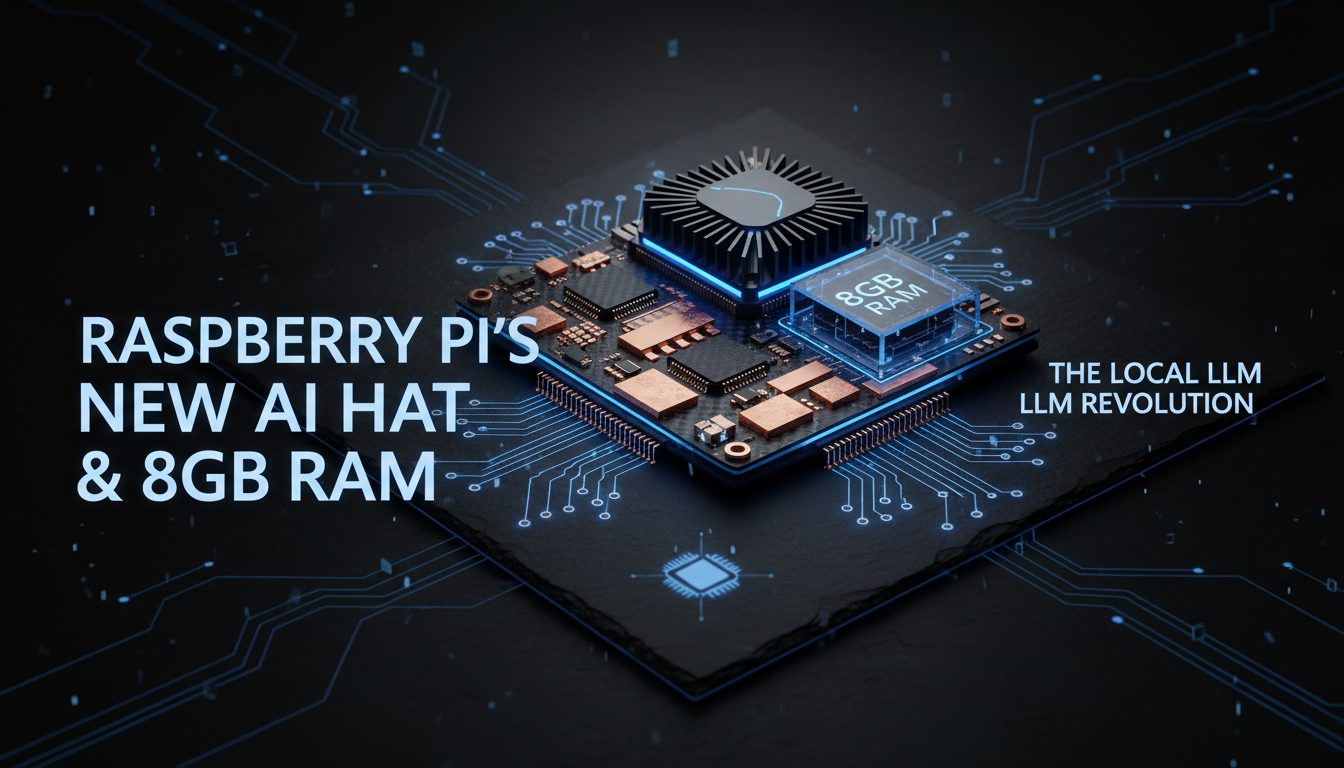
When we state that Raspberry Pi’s new AI HAT adds 8GB of RAM for local LLMs, we are referring to the unlocking of the 8GB Raspberry Pi 5’s potential through the AI HAT’s efficient offloading. By moving vision and tensor processing to the NPU, the system’s main 8GB LPDDR4X SDRAM is freed up to hold larger context windows and model parameters. Without the HAT, the CPU struggles to manage both OS overhead and model inference, leading to thrashing. The HAT effectively “adds” usable capacity by removing the computational load from the main memory bus.
Technical Deep Dive: Quantization and Model Selection
Running a raw 70-billion parameter model on a Raspberry Pi is impossible. However, the 8GB RAM ceiling allows for the execution of highly optimized, quantized Small Language Models (SLMs) and efficient LLMs.
Understanding Quantization Levels
To fit modern LLMs into the 8GB envelope provided by the high-spec setup, models are quantized—compressed from 16-bit floating-point precision (FP16) to 4-bit or even 8-bit integers (INT4/INT8). This reduces the memory footprint significantly with negligible loss in reasoning capability.
- Llama 3 (8B): A 4-bit quantized version requires approximately 5.5GB of RAM. This fits comfortably within the 8GB limit, leaving 2.5GB for the Operating System and the NPU driver stack.
- Phi-3 Mini (3.8B): Extremely lightweight, requiring under 3GB of RAM, allowing for massive context windows or multitasking alongside other AI agents.
- Mistral 7B: Fits tightly with aggressive quantization, offering a balance of reasoning and speed.
Insert chart showing RAM usage vs. Model Parameter count for Llama 3, Phi-3, and Mistral here
Step-by-Step Implementation Framework
Deploying this solution requires a precise order of operations to ensure kernel compatibility and optimal PCIe throughput. Below is the definitive workflow for setting up the environment where Raspberry Pi’s new AI HAT adds 8GB of RAM for local LLMs capabilities effectively.
Phase 1: Hardware Assembly
Proper physical installation is paramount to avoid thermal throttling.
- Install the Active Cooler: The Raspberry Pi 5 runs hot under AI loads. Ensure the official Active Cooler is seated with thermal pads covering the PMIC and Broadcom chipset.
- Mount the M.2 HAT+: Attach the standoff spacers. Insert the Hailo-8L module into the M.2 slot and secure it.
- Connect the Ribbon Cable: Ensure the PCIe ribbon cable is seated firmly in the PCIe connector of the Pi 5, with the contacts facing the correct direction (inward).
Phase 2: Software Environment Setup
We rely on the latest Raspberry Pi OS (Bookworm) 64-bit. Do not use the 32-bit version as it limits addressable memory, negating the 8GB advantage.
1. Update Firmware and System:
sudo apt update && sudo apt full-upgrade
sudo rpi-eeprom-update
2. Enable PCIe Gen 3.0 (Optional but Recommended):
While the Hailo-8L is officially rated for Gen 2, forcing Gen 3 on the Pi 5 can increase bandwidth for data-heavy transfers.
# Add to /boot/firmware/config.txt
dtparam=pciex1_gen=3
3. Install Hailo TAPPAS and Drivers:
The Hailo software stack includes the runtime software and the PCIe driver.
sudo apt install hailo-all
4. Verify NPU Detection:
Run the following command to ensure the kernel sees the device:
hailo-cli fw-control identify
Optimizing LLM Inference on Edge Hardware
Once the hardware is active, the strategy shifts to software optimization. We utilize frameworks like Ollama or LocalAI, which act as the bridge between the raw hardware and the user interface.
The Ollama Workflow
Ollama has become the standard for local LLM management due to its simplicity and efficient handling of GGUF model formats.
1. Installation:curl -fsSL https://ollama.com/install.sh | sh
2. Pulling Models:
To utilize the 8GB RAM effectively, we target the 4-bit quantized versions.ollama run llama3
3. Offloading to NPU (Advanced):
While Ollama primarily targets CPU/GPU, recent forks and experimental builds are beginning to support NPU offloading via OpenVINO or specific NPU backends. However, even running on the CPU, the presence of the AI HAT for concurrent vision tasks allows the system to remain responsive.
Use Cases: Transforming Industries with Local AI
The combination of a Raspberry Pi 5 and the AI HAT creates a node capable of replacing significantly more expensive industrial controllers.
1. Privacy-Centric Home Automation
By running a local LLM, users can integrate voice assistants into Home Assistant without sending voice data to the cloud. The 8GB RAM allows the model to parse natural language commands (